$ npx -y ccstatusline@latest copy
What it does
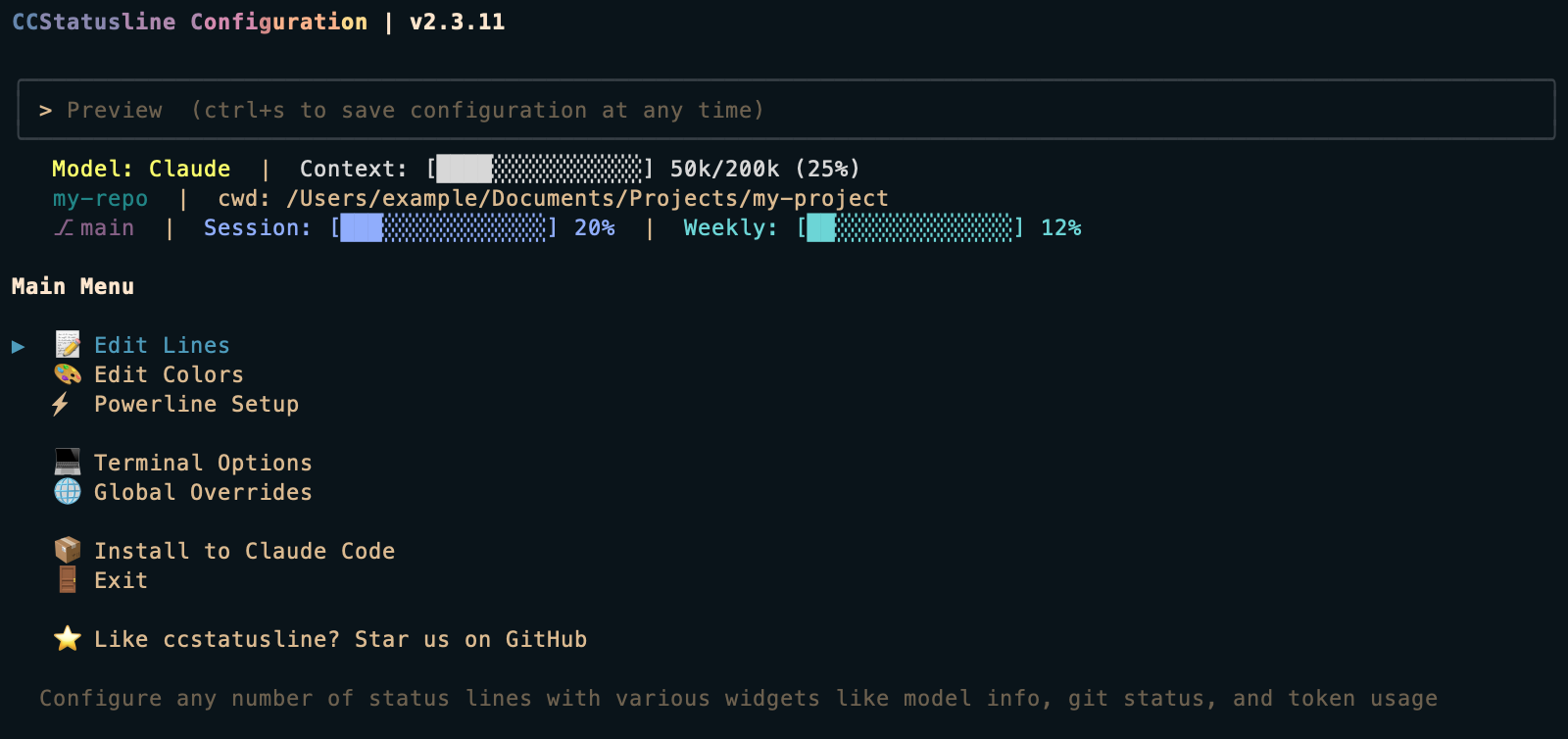
ccstatusline replaces Claude Code’s default status bar with a configurable Powerline-style line that surfaces the things you actually look at mid-session: active model, session token usage, time elapsed, git branch, and more.
Features
- Powerline-style segments — nerd-font icons, separators, colors
- Configurable widgets — show only what you need: model, tokens, cost, branch, session time
- Themeable — light, dark, and custom color schemes
- Low overhead — runs via
npx, no global install required
Installation
Works out of the box via npx — no config needed to get started. Run once and follow the interactive setup to pick widgets.
Use cases
- Configure themes, widgets, and colors interactively in the TUI.
- Monitor your 5-hour block consumption in real time via the token usage widget.
- See git branch, working directory, and session name at a glance.
Setup